The Magic Behind Apps: How They’re Built and Brought to Life
Have you ever tapped on an app on your phone and thought, “How do people even create this?” It almost feels like magic—one moment you have an idea, and the next, it’s available on your home screen. But behind every app, there’s a blend of creative thinking, technical logic, and problem-solving. Let’s break down the app development process step by step.
Step 1: Every App Starts with a Problem
At its core, app development is about solving real-world problems. Great apps don’t just entertain—they provide solutions. Consider food delivery apps: they exist because people need a quick and easy way to order meals without having to call a restaurant. Similarly, ride-hailing apps were born out of the frustration of waiting for taxis.
When developers embark on creating an app, they start by asking:
-
What problem are we solving?
-
Who will use the app?
-
What can make their lives easier, faster, or more efficient?
This brainstorming stage focuses on user needs and app design rather than coding. It’s more like an architect dreaming up a building before starting on the blueprints.
Step 2: Designing the User Experience (UX)
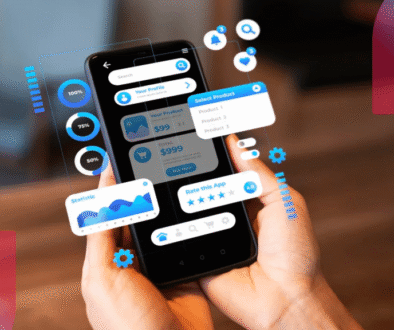
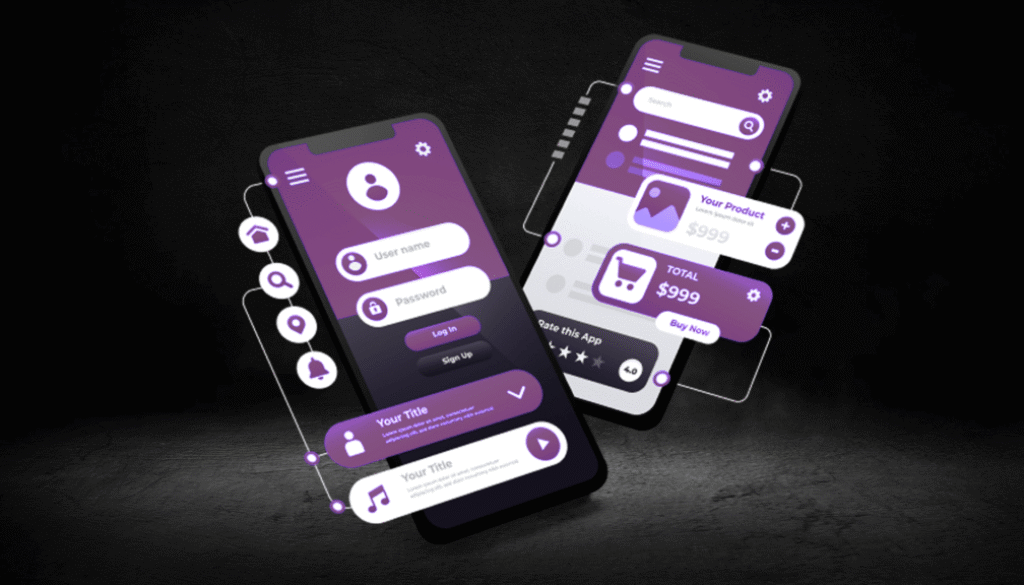
Once the problem is clear, the next phase is designing the app’s user experience (UX). This stage is about determining how the app will look and feel—how users will interact with it, and what the visual elements, animations, and navigation will be like.
Think of Instagram—it’s not just about photos; it’s about how smoothly you can swipe, how intuitive it feels to double-tap a picture, and how stories line up at the top of your feed. Behind that simplicity is a thoughtful UX design process.
During this phase, designers use tools like Figma or Sketch to create clickable prototypes. These are like interactive demos of the app that allow teams to test the user flow without any coding involved yet.
Step 3: Building the App – The Coding Stage
Once the UI/UX design is finalized, developers begin coding the app. The tech stack chosen depends on the platform and type of app:
-
Mobile apps (e.g., WhatsApp, Swiggy) typically use frameworks like Flutter, React Native, or native languages such as Swift (for iOS) and Kotlin (for Android).
-
Web apps (e.g., Gmail, LinkedIn) are built using languages like HTML, CSS, and JavaScript frameworks such as React or Angular.
Coding is like giving the phone instructions. It tells the app what to display, how to handle data, and how to respond to user actions. For example, when you click “Order Now” on a food delivery app, the code sends your order data to a server, processes the request, checks restaurant availability, and confirms the payment.
Step 4: Testing and Debugging
Before the app is released to the public, developers conduct extensive app testing to ensure everything works smoothly. This phase focuses on detecting and fixing bugs, errors, and performance issues. Testers simulate user actions to check if anything goes wrong, like tapping random buttons or entering invalid information.
This is similar to proofreading an article—you fix small errors to ensure users have a smooth experience. User testing is vital to ensure the app functions as intended, and the interface remains intuitive and responsive.
Step 5: Launching and Improving
Once the app is polished and bug-free, it’s time to launch. The app goes live on app stores like Google Play or the Apple App Store. But the work doesn’t stop there. Developers continue to track user feedback, monitor app performance, and fix any bugs that may appear after launch. Regular updates and bug fixes are common, ensuring the app stays fresh and functional.
For instance, the “version 2.1” or “bug fix” updates you see are part of the app lifecycle—ongoing improvement based on how users interact with the app.
Final Thoughts
App development might sound technical, but at its heart, it’s about understanding humans—what frustrates them, what excites them, and how to make their lives easier. The coding is just the tool; the real magic lies in empathy, creativity, and problem-solving.
So, next time you open your favorite app, take a moment to appreciate not just the technical coding but also the thoughtful design, creative process, and problem-solving that went into bringing it to life.